Scams · · 4 min read
SIM swaps: how someone takes your phone number, and how to lock it down in Canada
If someone moves your number to their SIM, your texted sign-in codes go to them. How SIM swaps and port-outs work, the protections Canadian carriers offer, and what to do if it happens.
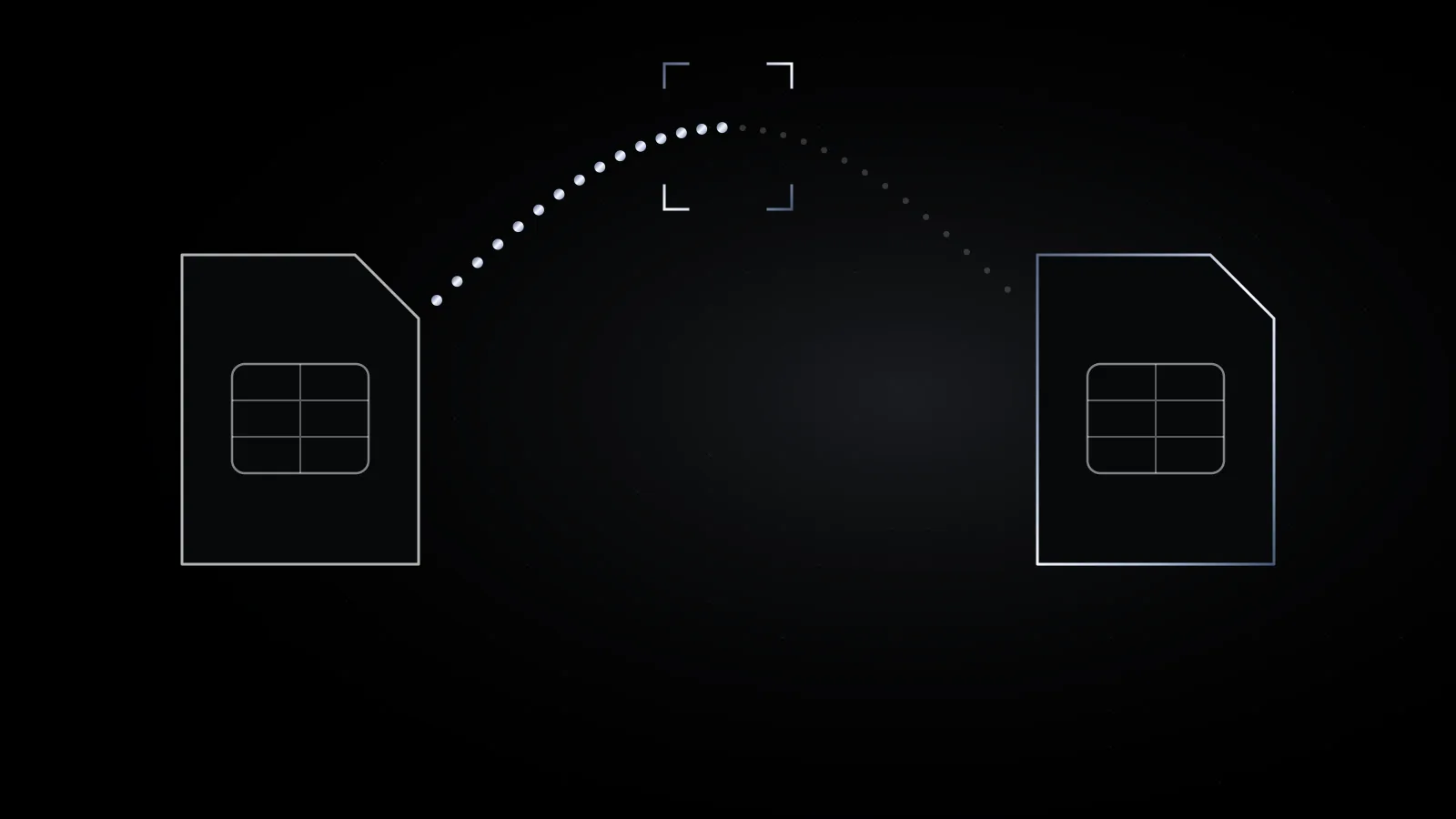
Your phone number has quietly become a key to your other accounts. Banks, email providers and shops send sign-in and password-reset codes to it by text. That makes the number itself worth stealing, and there are two ways criminals try.
How it works
- A SIM swap. Someone convinces your carrier that they’re you and that they need your number moved to a new SIM card or eSIM, perhaps because the phone was “lost.” Your phone goes quiet, and theirs starts getting your calls and texts.
- A port-out. Someone asks a different carrier to transfer your number to them, the same process you’d use to switch providers.
Either way, as TELUS explains, the criminal can then use “forgot password” on any account tied to the number and receive the reset code. To pass as you, they rely on personal details: name, address, date of birth, account information. That’s one reason breach data matters even when no password was in it.
What Canadian carriers do already
Since 2020, the CRTC has asked Canada’s mobile carriers to put anti-fraud measures in place and to report unauthorized ports and SIM swaps to it, and it still collects that data. In 2022, CRTC staff said the carriers’ efforts had produced “a significant decline” in both.
The most visible measure is a text before your number leaves. Rogers (including Fido and chatr) and TELUS both say they text you when another provider asks to take your number. You reply YES to approve. If you don’t answer within 90 minutes, the transfer is cancelled. Rogers says this process was developed with other wireless providers.
Lock it down: five steps
- Set an account PIN or passcode with your carrier, and make it something not found in your personal details. Rogers offers a PIN plus a secret question; Bell lets you set a PIN in MyBell under My profile that’s used to identify you whenever you contact them. Other carriers offer similar options; ask what extra account security they have.
- Protect your carrier’s online account with a unique password and two-step verification. Some carriers handle SIM changes through that account; TELUS, for example, says it moved SIM swap requests to My TELUS and its stores.
- Never ignore a transfer text you didn’t expect. Reply NO, or call your carrier using the number on its website.
- Move important accounts off text-message codes. Use a passkey or an authenticator app for email, banking and anything with money in it. The Canadian Centre for Cyber Security advises avoiding SMS as a multi-factor method.
- Share your number less. TELUS suggests not adding it to accounts that don’t need it. Fewer accounts tied to it means less to lose.
A SIM PIN, the code your phone asks for after a restart, is worth turning on too, but it protects the physical card in your phone. It doesn’t stop someone from talking your carrier into issuing a new one.
If your phone suddenly loses service
No calls or texts, an “SOS only” signal at home, or a message that your number was activated elsewhere: treat it as urgent.
- Call your carrier from another phone right away and ask whether a SIM change or transfer was made. They can block the account and review it.
- Secure your email first, then your bank. Change passwords from a device you trust and sign out other sessions.
- Call your bank and card issuers using the numbers on your cards.
- Report it to your local police and the Canadian Anti-Fraud Centre at 1-888-495-8501, and consider a fraud alert with Equifax and TransUnion. Our after-a-breach checklist covers how.
Sources
- CRTC, Letter on unauthorized mobile telephone number transfers and SIM swapping in Canada, July 17, 2020
- CRTC, Letter on unauthorized mobile telephone number transfers and SIM swapping, February 10, 2022
- Rogers, How to protect against Port fraud and SIM Swaps
- Rogers, How to Help Protect Your Account
- TELUS, How to protect your information and privacy
- TELUS Wise, SIM swap scam: what you should know
- Bell, How to create and manage my PIN
- Canadian Centre for Cyber Security, Don’t take the bait: Recognize and avoid phishing attacks (ITSAP.00.101), November 2025
New posts, by email.
About once a month. Plain-language privacy notes, nothing else. I never share your address.